Microphone
Required for speech-to-text recording. Users should know whether audio is processed locally or sent to an opt-in provider.
macos dictation permissions
Use the planner to translate FluidVoice source facts into a concrete setup, privacy, model, and workflow decision.
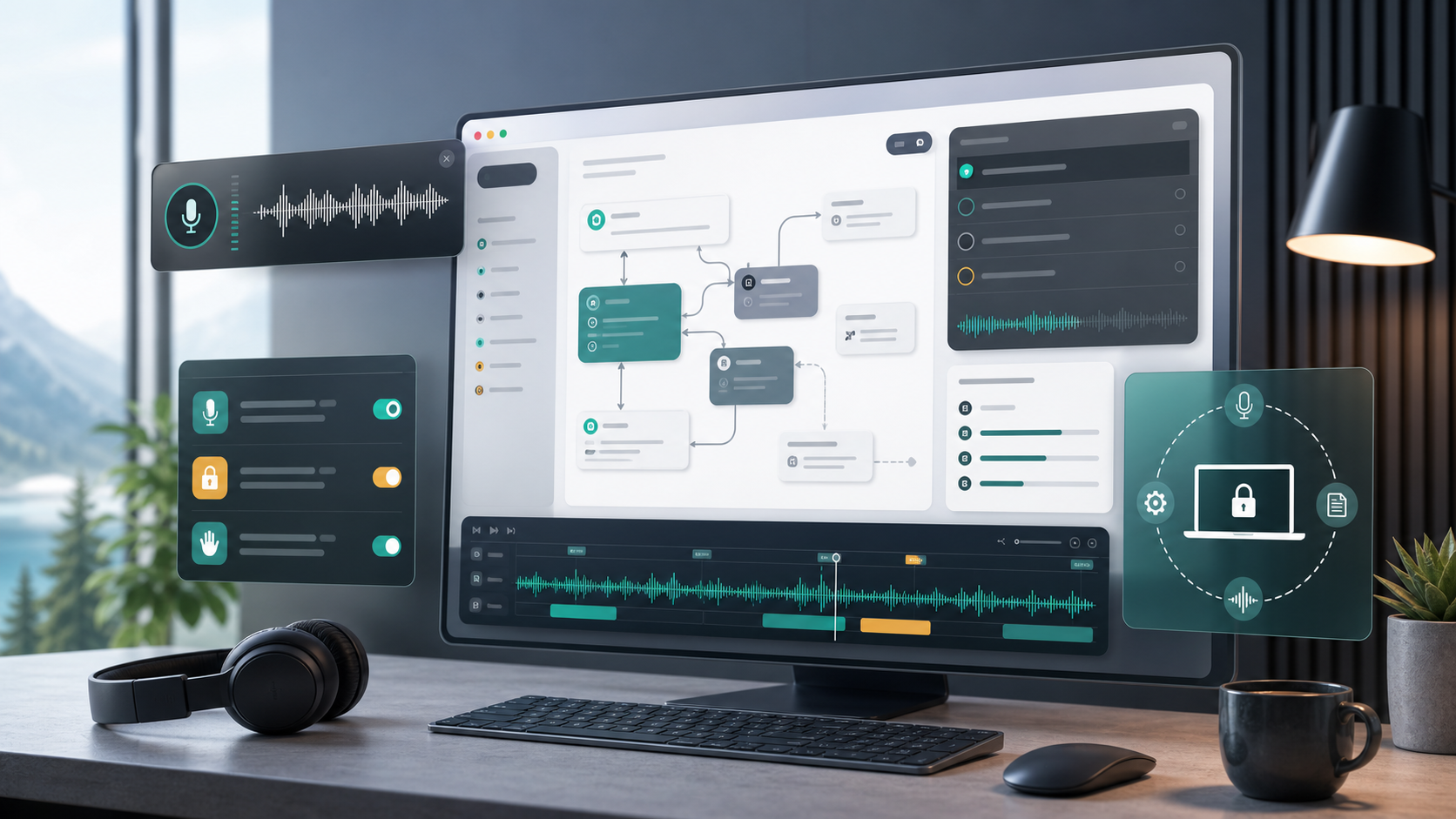
Workflow
Required for speech-to-text recording. Users should know whether audio is processed locally or sent to an opt-in provider.
Required for global hotkeys and typing text into other apps after recording stops. This is the permission most teams should pre-explain.
Used for startup/system event behavior and on-device speech recognition flows, depending on setup choices.
Decision matrix
| Area | Question | Planner output |
|---|---|---|
| Voice engine | Does the work need zero-download setup, low latency, multilingual support, Intel compatibility, or high accuracy? | Model recommendation with setup notes and disk expectations. |
| Permissions | Can users explain microphone, accessibility, Apple Events, and speech recognition access before approving prompts? | Onboarding checklist and risk labels. |
| Mode policy | Where should Command Mode, Write Mode, per-app prompts, and direct insertion be allowed? | Mode map with safe, review, and blocked zones. |
| Privacy | Which opt-ins are allowed: cloud enhancement, Fluid Intelligence, analytics, beta builds, local history, and exports? | Privacy boundary and data-retention notes. |