Choose models
Compare zero-download, low-latency, multilingual, Intel-compatible, and high-accuracy paths.
Unofficial hosted planner
Map voice engines, permissions, hotkeys, command mode, write mode, audio history, and local-first AI boundaries before you rely on dictation across your Mac.
Product thesis
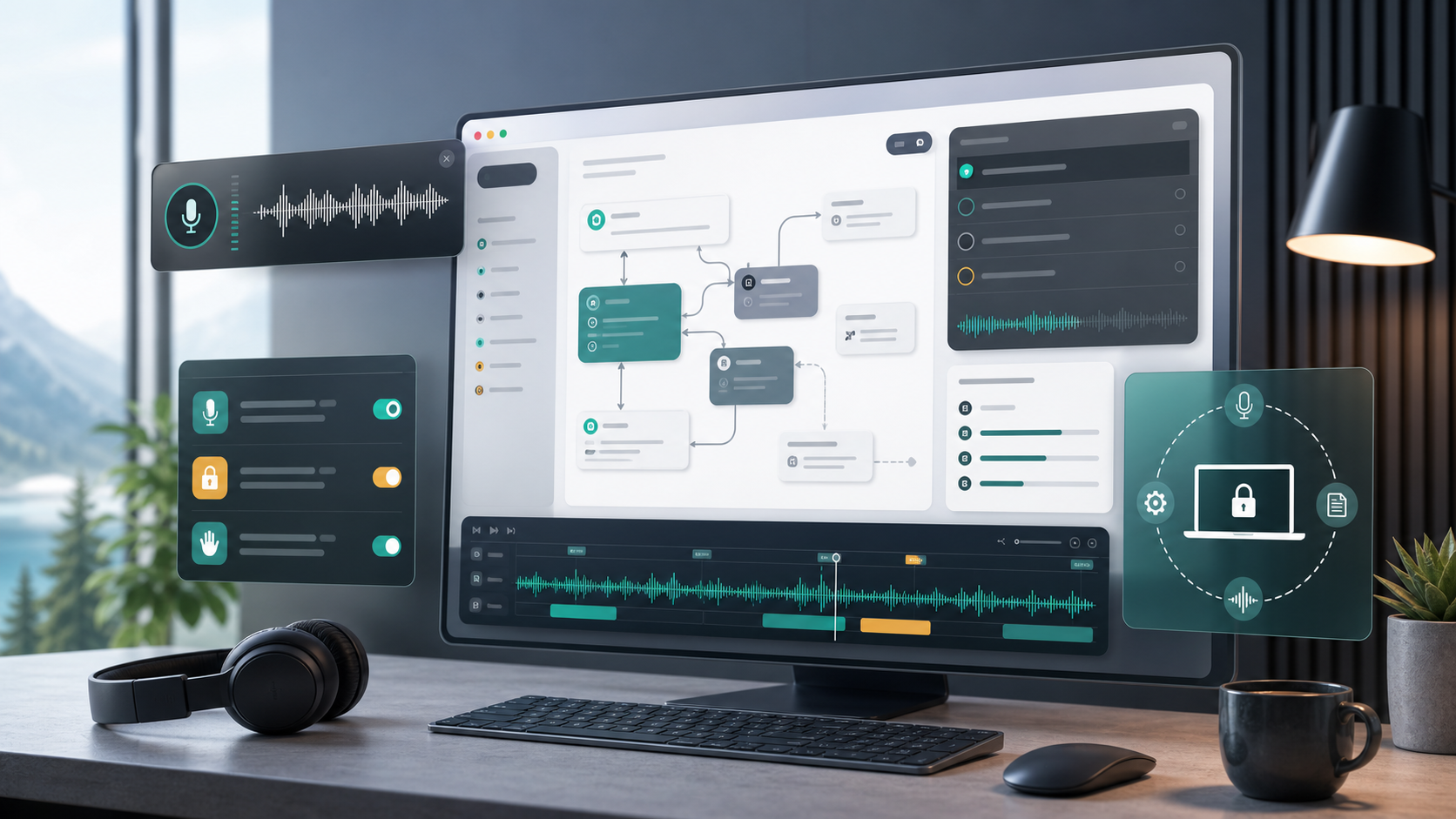
FluidVoice brings together local-first speech, model choice, Mac permissions, overlays, Write Mode, Command Mode, local history, and optional enhancement. The planner turns those choices into a launch checklist instead of a settings maze.
Compare zero-download, low-latency, multilingual, Intel-compatible, and high-accuracy paths.
Prepare microphone, accessibility, Apple Events, speech recognition, startup, and hotkey guidance.
Decide when cloud providers, history, analytics, exports, and local enhancement are acceptable.
Preview the plan freely; full exports and policy packs route through pricing before API access.
Trust data ledger
Decision matrix
| Area | Question | Planner output |
|---|---|---|
| Voice engine | Does the work need zero-download setup, low latency, multilingual support, Intel compatibility, or high accuracy? | Model recommendation with setup notes and disk expectations. |
| Permissions | Can users explain microphone, accessibility, Apple Events, and speech recognition access before approving prompts? | Onboarding checklist and risk labels. |
| Mode policy | Where should Command Mode, Write Mode, per-app prompts, and direct insertion be allowed? | Mode map with safe, review, and blocked zones. |
| Privacy | Which opt-ins are allowed: cloud enhancement, Fluid Intelligence, analytics, beta builds, local history, and exports? | Privacy boundary and data-retention notes. |
Popular workflows
Choose Apple Speech, Nemotron, Parakeet, Cohere, or Whisper based on work style.
Separate safe voice actions from confirmation-required automation.
Plan dictation and rewriting behavior across apps and text fields.
Document cloud opt-in, analytics, history, and export boundaries.
Prepare microphone, accessibility, Apple Events, and speech recognition onboarding.
Plan local enhancement without confusing it with the GPL app boundary.