Zero-download path
Apple Speech can be the lowest setup path because it is built into macOS, but language and quality depend on system support.
fluidvoice speech model selection
Use the planner to translate FluidVoice source facts into a concrete setup, privacy, model, and workflow decision.
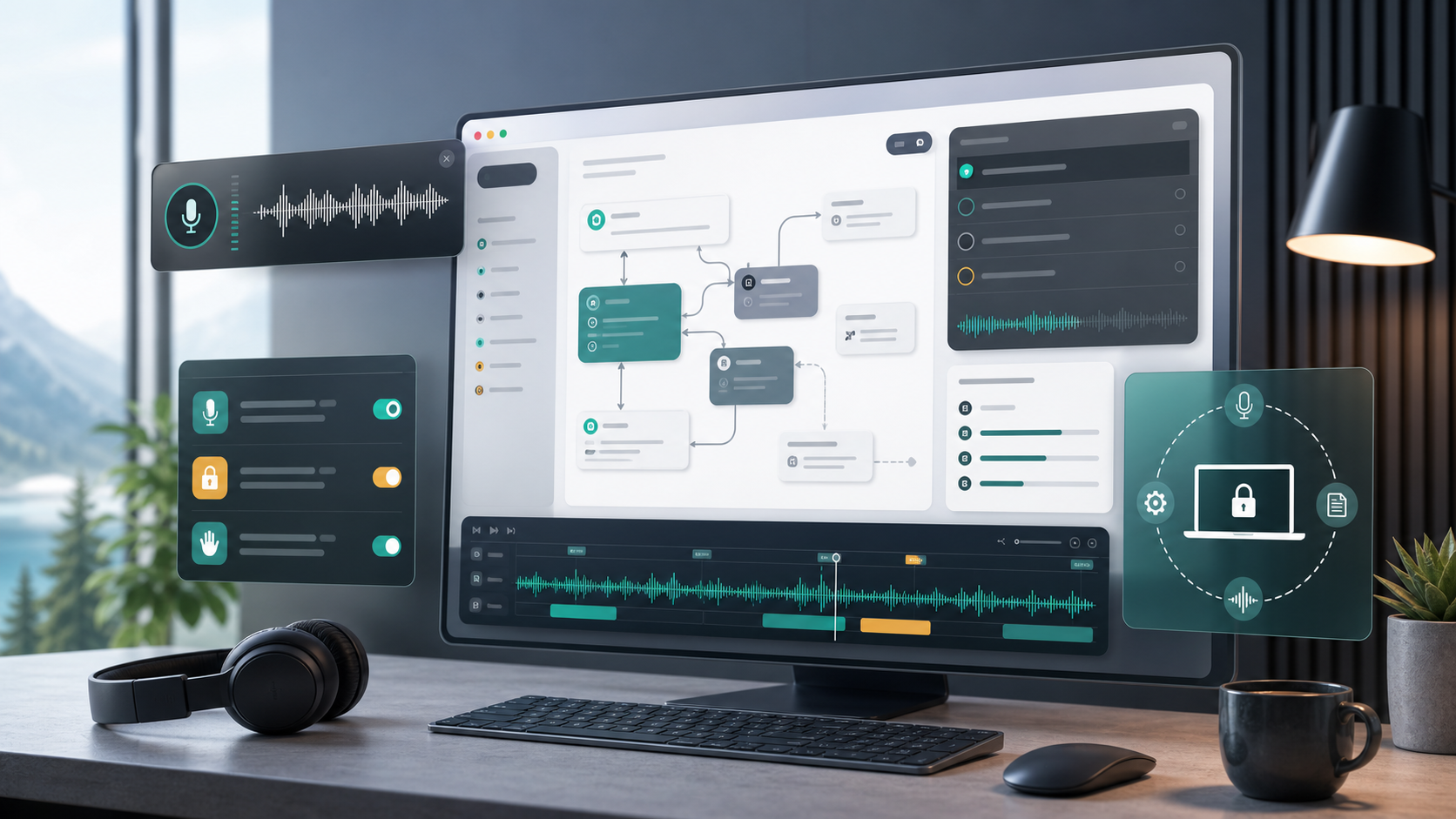
Workflow
Apple Speech can be the lowest setup path because it is built into macOS, but language and quality depend on system support.
Nemotron and Parakeet options target low-latency native dictation on Apple Silicon, with model downloads and hardware expectations.
Whisper covers broader hardware and language scenarios, including Intel Macs from FluidVoice 1.5.1+, with larger models trading disk for accuracy.
Decision matrix
| Area | Question | Planner output |
|---|---|---|
| Voice engine | Does the work need zero-download setup, low latency, multilingual support, Intel compatibility, or high accuracy? | Model recommendation with setup notes and disk expectations. |
| Permissions | Can users explain microphone, accessibility, Apple Events, and speech recognition access before approving prompts? | Onboarding checklist and risk labels. |
| Mode policy | Where should Command Mode, Write Mode, per-app prompts, and direct insertion be allowed? | Mode map with safe, review, and blocked zones. |
| Privacy | Which opt-ins are allowed: cloud enhancement, Fluid Intelligence, analytics, beta builds, local history, and exports? | Privacy boundary and data-retention notes. |